


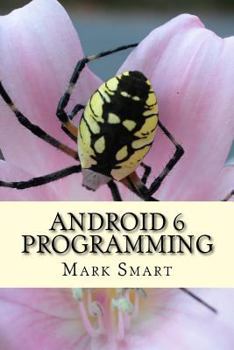
Android 6 Programming: Android Studio Development Guide
No Customer Reviews

This is a guide to Android application developers on how to use Android Studio 6 to develop their apps. The first part is a guide on how to use the Code Editor in Android 6. The Code Editor provides programmers with an environment in which they can write their code, and perform some editing to it. The various features and functionalities provided by the Code Editor are discussed. Auto completion, which helps you to avoid too much typing, is also discussed, and you will learn how to enjoy using this feature. You will also learn how to split the Code Editor window to get various panels. Code folding is explored in detail. The various parts which form the code editor in Android Studio 6 are examined, along with the Designer Tool in Android Studio, which helps the user to create the user interface part for their Android apps. You will learn how to use in its various modes, that is, the Text and the Design modes. The use of Java Code in Android Studio 6 to create the user interface is explained in detail.
Format:Paperback
Language:English
ISBN:153938005X
ISBN13:9781539380054
Release Date:October 2016
Publisher:Createspace Independent Publishing Platform
Length:76 Pages
Weight:0.25 lbs.
Dimensions:0.2" x 6.0" x 9.0"
Customer Reviews
0 rating
Copyright © 2026 Thriftbooks.com Terms of Use
| Privacy Policy | Do Not
Sell/Share My Personal Information | Cookie Policy | Cookie Preferences | Accessibility Statement
ThriftBooks® and the ThriftBooks® logo are registered trademarks of Thrift Books Global, LLC
ThriftBooks® and the ThriftBooks® logo are registered trademarks of Thrift Books Global, LLC
