


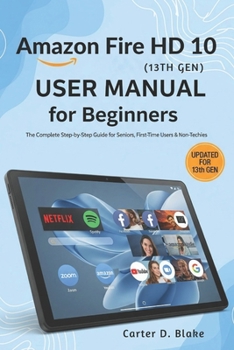
Amazon Fire HD 10 (13th Gen) User Manual for Beginners: The Complete Step-by-Step Guide for Seniors, First-Time Users & Non-Techies

Enjoy The Full Power of Your Amazon Fire HD 10 (13th Gen)
Just unboxed your brand-new Amazon Fire HD 10 (13th Gen) and wondering what to do next?Whether you're a senior, first-time user, or someone who doesn't speak "tech," this friendly, step-by-step guide is the only manual you'll ever need to confidently unlock the full power of your Fire HD 10.
This book is more than a technical walkthrough-it's a patient and empowering companion for learning at your pace. Written specifically for non-tech-savvy users, this guide demystifies your tablet with clear explanations, real-life examples, and visuals that make learning enjoyable and frustration-free.
You'll discover how to:
Set up your Fire HD 10 with easy-to-follow instructions
Navigate the Fire OS interface with confidence
Install essential apps like Netflix, Zoom, Spotify, and Kindle
Customize accessibility features like larger text, voice commands, and screen readers
Stream your favorite shows, read eBooks, browse the web, and stay connected with loved ones
Use Alexa to control your tablet and smart home hands-free
Troubleshoot common issues-without needing tech support
This guide helps you go from beginner to savvy user without overwhelming jargon or complicated steps. It's ideal for:
Seniors looking for a stress-free tech companion
Parents and grandparents learning how to use modern tablets
Adults who want an affordable, simple entertainment and productivity hub
Anyone frustrated by boring manuals and confusing online videos
You'll also benefit from:
Helpful visual references and layout cues
Expert tips on getting the most out of your Fire HD 10
Privacy and parental control advice for safer usage
Bonus insights into the new features of the 13th Gen model
Don't struggle through confusing tutorials or outdated online advice.
Grab your copy of this comprehensive, beginner-friendly guide today and start using your Amazon Fire HD 10 with confidence and ease
✅ Perfect for gifting to loved ones getting started with tech
✅ Great companion for seniors, families, or caregivers
✅ A must-have for every Fire HD 10 (13th Gen) owner
Customer Reviews
ThriftBooks ® and the ThriftBooks ® logo are registered trademarks of Thrift Books Global, LLC
