


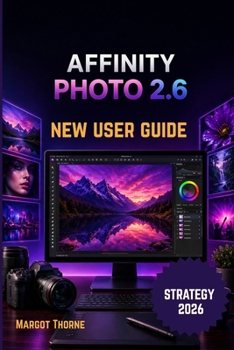
Affinity Photo 2.6 User Guide 2026: Easy Step-by-Step New Strategy for Beginners and Advanced Users

Want to create stunning images, retouch photos like a professional, and master one of the most powerful alternatives to expensive editing software-without feeling overwhelmed?
This practical and beginner-friendly guide is designed to help you confidently use Affinity Photo 2.6 in 2026, whether you are opening the software for the first time or looking to sharpen advanced editing skills. With clear explanations, modern workflows, and hands-on lessons, you will learn how to turn ordinary pictures into polished, high-quality visuals for personal, creative, or professional use.
Inside this guide, you will discover how to:
- Install, update, and optimize the software for smooth performance
- Understand the workspace, tools, panels, and settings with ease
- Improve everyday photos with quick corrections and smart enhancements
- Work confidently with layers for flexible, non-destructive editing
- Make accurate selections for edits, cutouts, and creative control
- Develop RAW files for cleaner detail and richer image quality
- Use modern AI-powered tools and time-saving features effectively
- Adjust color, lighting, contrast, and mood like a pro
- Master masks, blend modes, and advanced composition techniques
- Apply filters and effects with balance and precision
- Complete real-world projects from start to finish
- Export images for print, social media, websites, and clients
- Solve common problems and stay ready for future updates
Whether you are a photographer, content creator, designer, freelancer, student, or hobbyist, this guide gives you a clear path to stronger results without confusion or wasted time.
If you are ready to edit smarter, create faster, and bring your ideas to life with confidence, this book is the tool you need.
Customer Reviews
ThriftBooks ® and the ThriftBooks ® logo are registered trademarks of Thrift Books Global, LLC
